
University of Cambridge
Cambridge Cognitive Architecture
CCA Teaching · Spatial analysis · visibility

Isovist Lab

What can you see from here? Load a phone scan or a floor plan, place a viewpoint, and measure what is visible. Look at it in 3D, compare two places, and take it back to Rhino.

View Place Path Walls
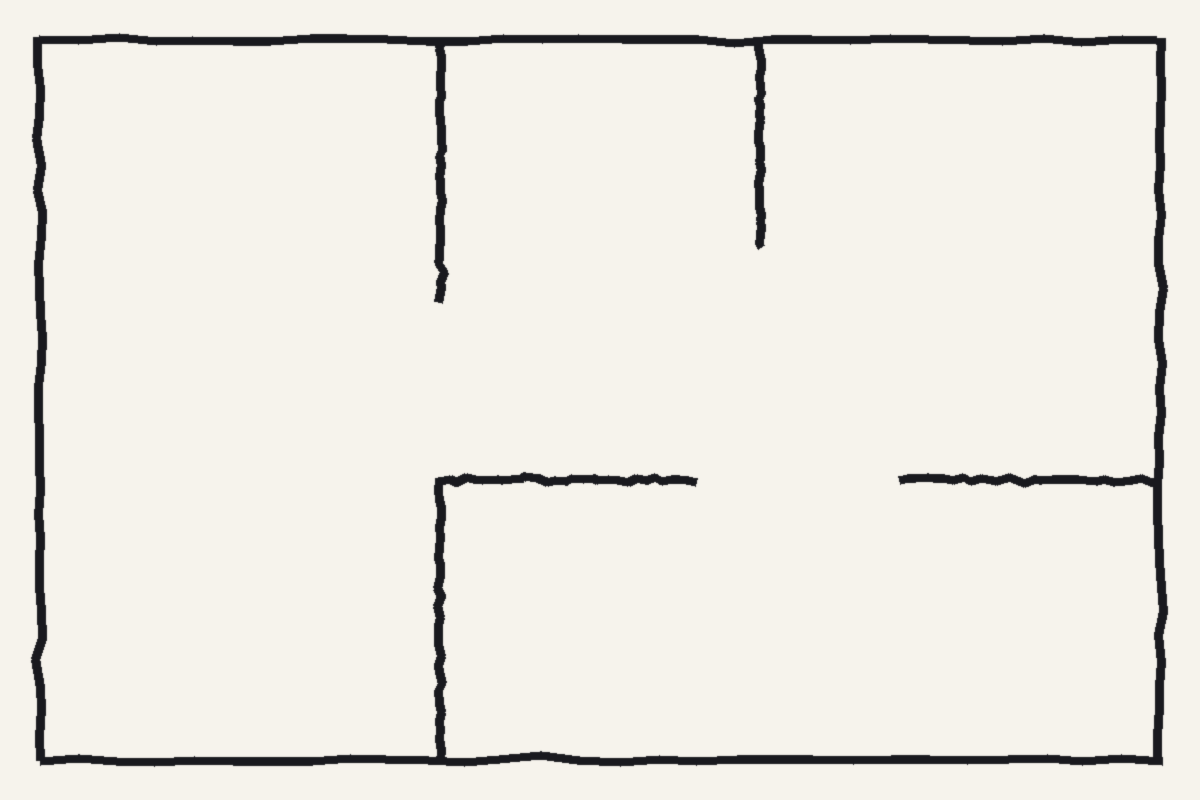
Load a scan or a plan, or try an example.
Click Draw path, then press and drag along the route people walk. The tool adds up every isovist along the way.
Open edges: where space carries on out of sight. Compactness: 1 for a circle, near 0 for a spiky view.
Plan view: click to place a viewpoint, drag it to move. Draw path: press and drag along a route. 3D view: drag to orbit, scroll to zoom, right-drag to pan, click the floor to move the viewpoint.
Suggested exercise
  1. Scan a space with your phone (for example with Scaniverse, exported as PLY or OBJ) and load it here, or load a floor plan.
  2. Place two viewpoints and compare what each one sees, in plan and in 3D.
  3. Paint the visibility field and find the most and least exposed places in the plan.
  4. Change one wall or opening and see how the field changes. Write two sentences on what you would change in the design and why.
  5. Export the results and take them back into your own drawings.

How to use the Isovist Lab (1 min video) · Example plans: drawing, DXF

How to cite (APA)

Wang, C., Ding, H., Egli, S., Ladouce, S., & Gath-Morad, M. (2026). Isovist Lab: measuring what is visible from a point in space [Web tool]. Cambridge Cognitive Architecture, University of Cambridge. https://cca.arct.cam.ac.uk/teaching/isovist-lab

Please cite the tool in any work that uses it: coursework, dissertations, papers and presentations. Free to use for teaching and research.

← All teaching tools